Start Your sona4 Account in Seconds
We keep the sign-up form short — a phone number, a password, and you are inside the full lobby with live tables, slots and cricket sportsbook markets ready.
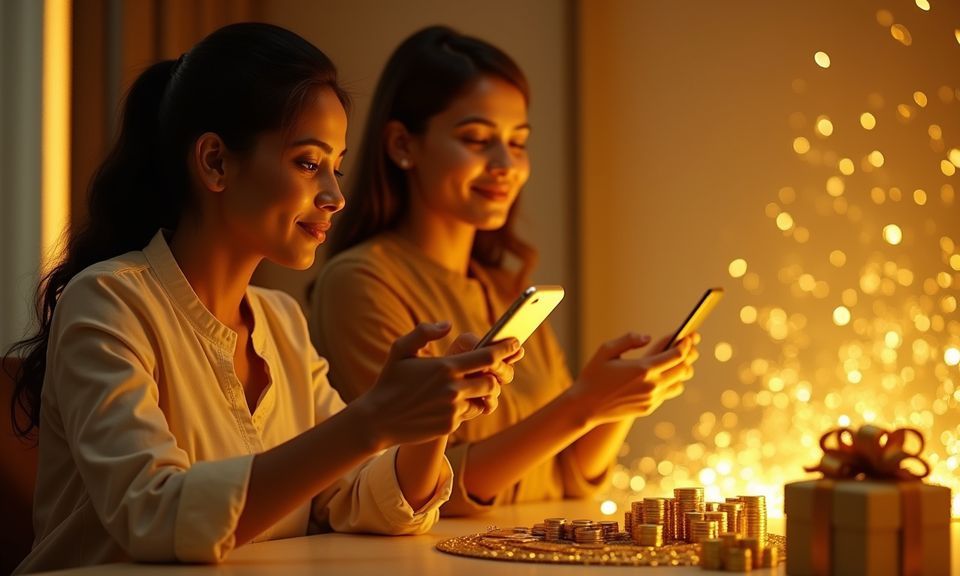
Switch to sona4 Knowing Your Data Stays Private
We handle your personal information and wallet credentials with layered protection so you can register without second-guessing the process. From encrypted connections to identity checks that only trigger when necessary, the system is built to keep your details confined to your account and nowhere else. Availability depends on local law and eligible regions.
SSL Encryption
Every page you load and every form you submit travels over an encrypted connection. Your phone number, password and wallet details cannot be read in transit — even on public Wi-Fi networks commonly used across Dhaka.
OTP Verification
We confirm your identity through a one-time code sent to your mobile number during registration and again on new-device logins. This stops anyone else from accessing your account even if they know your password.
Withdrawal Identity Check
Before your first cashout processes, we ask for a quick ID match — a photo of your national ID and a selfie. This one-time step keeps your wallet safe from unauthorised withdrawal attempts.
Session Auto-Lock
Leave your browser or app idle and the session locks automatically. You will need to re-enter credentials to resume, which protects your balance if you forget to log out on a shared phone or computer.
Separate Wallet Credentials
Your sona4 login password and your bKash, Nagad or Rocket PIN are never stored together. We request the wallet PIN only inside the respective payment app — our system never asks for it directly.
Data Isolation
Account data is compartmentalised — your game history, wallet transactions and personal details sit in separate secured layers. Even internal access is role-restricted, limiting exposure in any scenario.
Get Help With Your Registration or Login
Stuck on the OTP screen, locked out after too many attempts, or unsure which phone number you used? We keep multiple channels open so you never have to wait long. Our agents handle account recovery, wallet verification queries, and general sign-up questions — all without requiring you to start from scratch.
Live Chat
Tap the chat bubble on any page to reach an agent in real time. They can resend OTPs, unlock frozen accounts, or guide you through wallet linking — no ticket number needed, just your registered phone number.
Email Support
Send a message describing your issue and include the phone number tied to your account. Our team responds with a resolution or follow-up question, keeping everything documented in one thread for easy reference.
Help Centre Articles
Common registration questions — like how to change your linked bKash number or reset a forgotten password — are answered in short step-by-step articles you can follow on your own without waiting for an agent.
Browse Deposit Options After You Join
Your account wallet accepts deposits through the mobile payment apps Bangladesh players already carry. Open your preferred app, send to the account number displayed in the deposit panel, confirm with your PIN, and your balance reflects almost immediately. No bank visits, no card details — just the same wallet you use for ride-shares and food orders. Withdrawals follow the reverse path back to the same bKash, Nagad or Rocket number linked to your account, verified once during your first cashout request
Explore What Your sona4 Account Unlocks
Creating an account gives you a single wallet that connects to every section of the lobby — live casino rooms streamed by Evolution, PG Soft slot collections, crash games like Crash Countdown, and the sportsbook covering IPL, BPL and international cricket fixtures. Your phone number is all we need to get started. Once you confirm
your mobile, you receive full browsing access to every provider and game category we carry. The wallet sits at the centre of your experience: deposits arrive through bKash, Nagad or Rocket, and withdrawals route back through the same mobile wallet you already use daily. We verify identity only when you request your first withdrawal, keeping
the initial sign-up lean. Account holders also unlock saved favourites, transaction history, and access to our support channels whenever you need a hand. Everything stays encrypted from the moment you enter your details, and sessions lock automatically after inactivity to keep your balance safe on shared devices.
-
Quick verified sign-up Enter your phone number and choose a password. We send an OTP to confirm — no documents needed until your first withdrawal request, so you are inside the lobby within a minute of tapping the form.
-
Encrypted and locked sessions Your credentials are encrypted at rest and in transit. If you step away, your session locks after a short idle window so nobody else can access your balance or personal details on a shared device.
-
Instant full lobby access Once verified, every section opens — live baccarat from Evolution, PG Soft slots, Football SuperGoal, crash games and sportsbook odds. No staged unlocking or hidden tiers blocking your view.
-
24/7 account help available If the OTP does not arrive or you lose access, our support team is reachable around the clock through live chat and email. They can reset credentials or walk you through wallet verification steps in minutes.
Your details are encrypted for secure account access.
Check Common Questions About Signing Up
Below are the questions we hear most often from people creating or recovering their sona4 account. If your situation is not covered here, reach out through live chat for a direct answer.